Roll Your Heroes hero and fusion guide
A hero card answers several different questions. Odds tell you how unusual the roll was. Stars, level and grade help explain why two heroes can contribute very different amounts of damage.
Last checked
Where to check your roll odds
Hayworks lists more than 3,000 heroes, rarities running from Common to Secret, and collectible Huge and Titanic heroes. In the Odds window, check the die named at the top, select a hero, and read the figures beside its portrait.
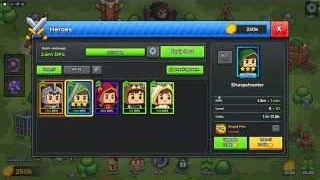
In the Heroes menu, select a card to see that hero’s DPS, level and odds. Write down the team DPS before replacing a current attacker, then compare the new total. A rare addition is worth checking even when a leveled member still wins the slot.
Use duplicates to raise stars
- Open Heroes and look for repeated portraits. Compare stars and levels before selecting any copies.
- Inspect the fusion choice for the matching heroes. Fuse all also appears in the Heroes screen and processes eligible fusions together.
- Return to the upgraded card and check its stars, DPS and place in the active team. If you use Equip best, check which hero took the open slot.
An example from the Grades screen
In AlphaShoe’s recorded run, the Grades screen lists letter grades and their damage multipliers. The player develops a Legendary Swordmaster and reports reaching S+ at level 100. It is an example of investing in a particular roll and checking the resulting damage.