
Roll Your Heroes expedition rewards
Expeditions send heroes out for supplies. A trip can bring back a new hero as well as materials, so check both your items and your roster when it finishes.
Last checked
What can an expedition bring back?
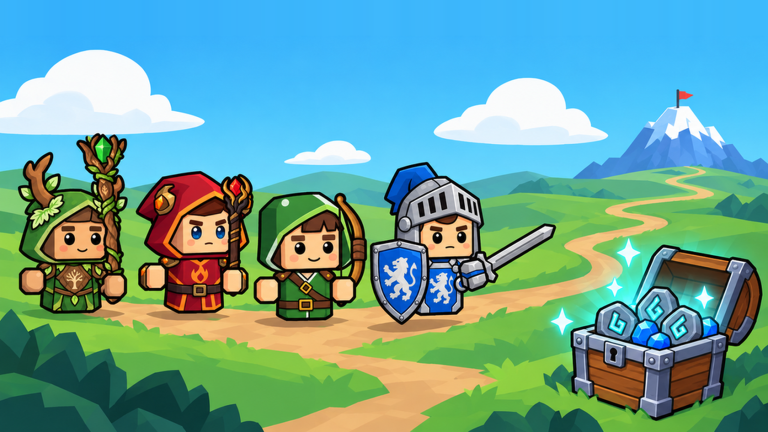
| Possible return | What to do with it |
|---|---|
| Trait Stones | Set them aside for a hero whose current trait you want to change. |
| Ability Scrolls | Look for the scroll in your items and read its effect before choosing a hero. |
| Trinkets | Inspect the trinket and compare its description with the job of an equipped hero. |
| Crates or gems | Check your item count and gem balance after the expedition. |
| Heroes | Open Heroes, inspect the new arrival’s damage and check for a slot or fusion opportunity. |
Plan around the reward you need
If you are looking for one material, check any trip details shown before sending your heroes. The developer lists six possible reward types across expeditions. It does not give a drop rate for each item or promise all six from one trip.
For an immediate supply of Trait Stones, the developer’s event also lists a 15-stone code. You can try that while your heroes are away.
After your heroes return
- Read the displayed reward names and amounts.
- Open Heroes for a character drop, or check your items for a scroll, crate or trinket.
- Choose your next trip after checking what you still need. If the return included Trait Stones, compare your current hero bonuses first.